
Skip to the walkthrough
Stratos CoachBy Stratos HouseMember sign in

Platform walkthrough

Your workspace,
step by step.

See how the work moves from your first visit to a reviewed brief, a recording plan and an original course. Follow the chapters or choose the area you need.

Studio demo · Version 1
01 / 10

Getting started

A clear place to begin.

Your first visit has a path. Use the checklist to join your workspace, add your perspective and find the first piece of work.

Stratos Coach / Getting startedDemo
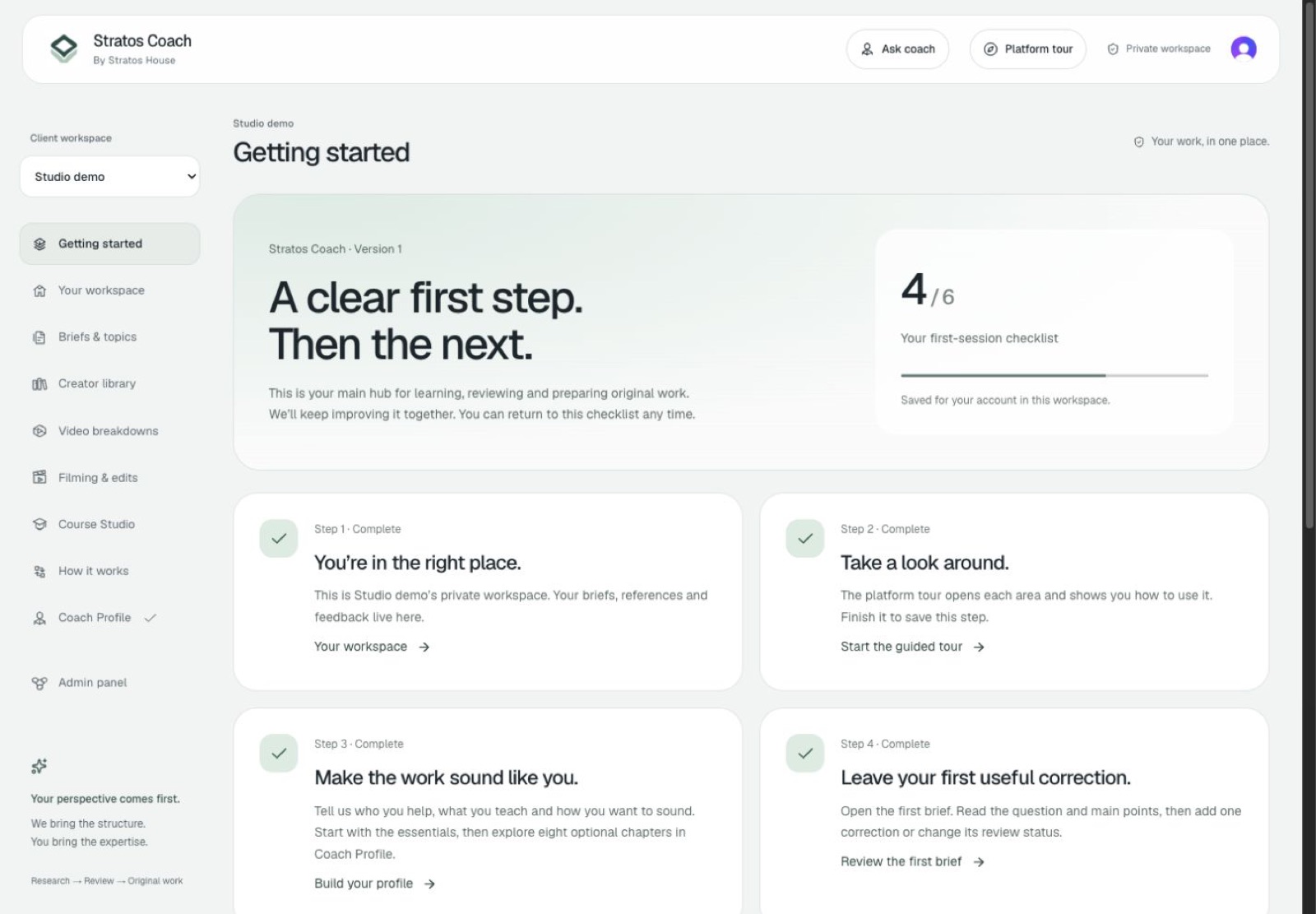
Getting started in the Stratos Coach demonstration workspace. Open the full-size image for a closer view.

Demonstration content. Your workspace contains your own materials.

What to do

  1. 1

    Accept your invitation using the email it was sent to.

  2. 2

    Follow the platform tour inside your workspace.

  3. 3

    Choose the next unfinished item in your getting-started checklist.

Why it helps

You can see what needs your attention without learning every tool at once.

Your next action

Open Coach Profile and tell the team who you help and what you want to create.

When this chapter is focused, use the left and right arrow keys to move through the tour.

Bring it back to your work.

Already invited? Sign in with the email on your invitation and open your getting-started checklist. Your team can help with the next step.

Open your workspace

This walkthrough shows version 1. Filming, editing, checkout and learner delivery follow the setup agreed with your team. Your private workspace may have different materials and connected tools.